View Inline TLS-SSL Session Statistics
To display the inline TLS/SSL summary details, go to GigaSMART > Inline SSL > Session Statistics, view the Summary details under Summary tab which is displayed initially. Refer to 1 Inline TLS/SSL Session Statistics in GigaVUE-FM.
There are four sections: Session Statistics, Performance Statistics, Policy Statistics, and Certificate Statistics. Click Show Summary to view these sections. Click Clear Session Summary to clear all the displayed summary details.
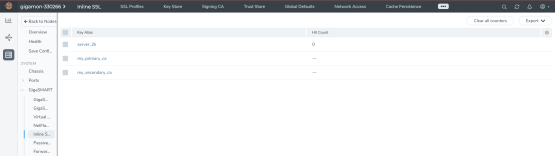
| 1 | Inline TLS/SSL Session Statistics in GigaVUE-FM |
To view the inline TLS/SSL session details, go to GigaSMART > Inline SSL > Session Statistics. Click on the Sessions tab. The list of available sessions will be displayed. To search and filter the session details, click Filter and enter an IPv4 source or destination, an L4 port source or destination, or a host name.


